Guides
Watched numbers and selection drafts: a simple guide
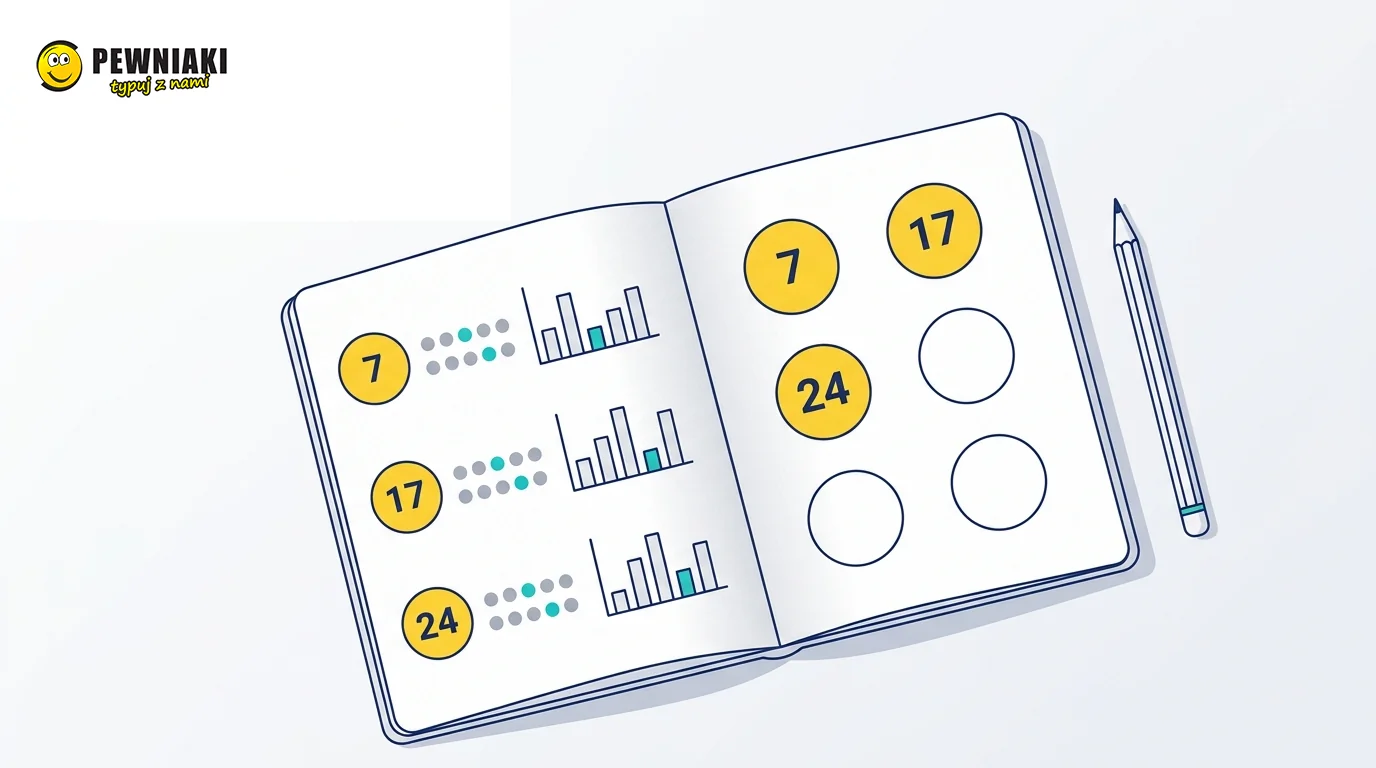
Do you check a number’s frequency, then its gaps, then the numbers drawn alongside it? You can now bring these historical details together in one place.
Watched numbers lets you compare the history of numbers you choose. Selection draft lets you collect numbers for your own selection while exploring analyses.
Getting started: a Lotto example
Suppose you want to examine 7, 17 and 24. These numbers demonstrate the tool; they are not a suggested selection.
The page content remains available.
Open Lotto statistics — Watched numbers.
- Select 7 in “Watched numbers” and click “Watch”.
- Add 17 and 24 in the same way.
- Choose a sample, such as 50 in “Number of latest draws”.
- Compare the numbers in the shared table.
You can see how often each number appeared in the selected sample, the number of draws since its last appearance and when it last appeared. A gap of zero means it appeared in the latest draw. Gaps count draws, not days.
You can watch up to 20 numbers per game: Lotto, Lotto Plus, Mini Lotto, Multi Multi, Eurojackpot and Kaskada. Eurojackpot watching covers the main numbers 1–50, not the two Euro numbers.
Choose the details you want to see
Open “My comparison settings” to choose which measures to display and their order. You can keep occurrences and gaps and hide the others. The settings are remembered for this game in this browser.
Expand a watched number to see its partners: numbers appearing alongside it in the same draws. The full number profile link opens more detailed analyses.
What changed since your last visit?
After you view the table, the site stores a reference point for this game and sample. When you return after further draws, it shows changes since that view. If there have been no new draws, it tells you.
The first visit has no previous comparison. View the table first. If you have been away for a long time or the history has been corrected, the tool may lack enough information for a complete comparison. It shows a message rather than guessing.
Watching is different from choosing a selection
Watched numbers is your analysis list. Selection draft contains numbers you want to collect into a selection. Watching a number does not automatically add it to your draft.
- Expand a number and use its “Add to selection” action, or add it directly in “Selection draft”.
- Complete the required selection for your game. A regular Lotto selection has six numbers; Eurojackpot also needs two Euro numbers.
- Optionally name your selection and use the save action for My tickets once it is complete.
- In the ticket checker, select your saved selection, load it, then run the check. Saved selections are not loaded automatically.
Drafts are available for Lotto, Lotto Plus, Mini Lotto, Multi Multi and Eurojackpot. Kaskada has watched numbers but no selection draft.
Saving numbers on Pewniaki.pl does not buy a ticket or enter a draw. My tickets is a private notebook of numbers.
Open the Lotto ticket checker to compare your saved selection with results.
Where are my data stored?
Your observations, drafts and settings are stored locally in this browser. No account is needed. They do not appear automatically on another phone or browser. Clearing site data may remove them.
“Backup, import and reset” can export observations, drafts and comparison settings to a file and import them in another browser. This backup does not include saved selections in My tickets, which has its own backup function.
Read the import summary before confirming: importing replaces current observations, drafts and settings with the file’s data. It does not append numbers. Comparisons since your previous visit start collecting a new reference point after import.
Returning to your numbers
After you save observations or start a draft, the home page shows “My observations and drafts”, with your game, counts and a link back. It only appears in the browser where you stored the data.
Can these statistics predict the next draw?
No. They describe history. A long gap does not mean a number is due; frequent past appearances do not give it an advantage in the next draw. The tool organises your analyses and selections, not predictions.
Tags: watched numbers Lotto statistics selection draft My tickets